Course Preparation
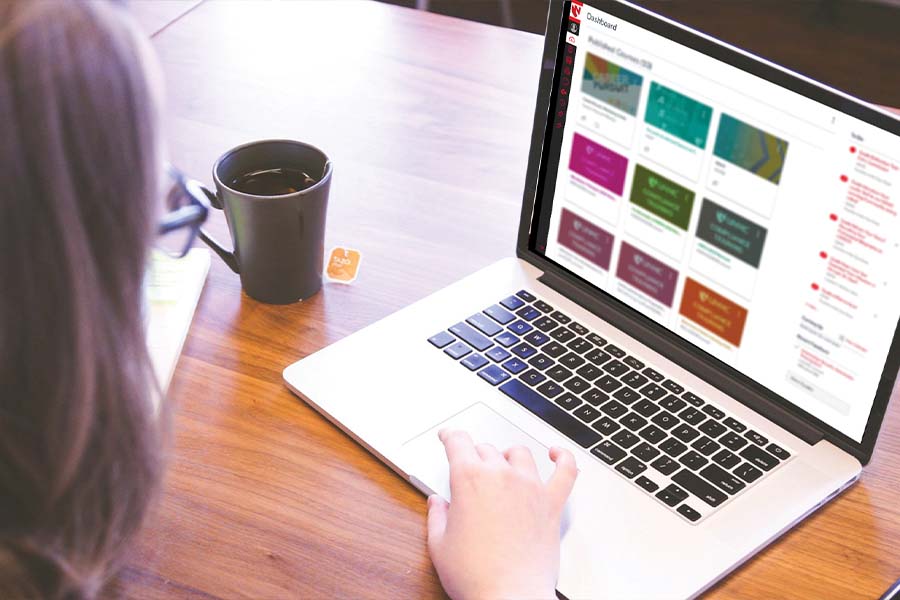
Need help simplifying your course design and creation?
Below are useful resources and tools to help you prepare for your next course.
Course Preparation Resources
CANVAS
Want to set up a course website that allows you to send course-related announcements to your students or distribute electronic materials without having to constantly email files? Learn how Canvas, UNMC's course management system, can help make class easier for both you and your students.
BRAND WISE
To make it as easy as possible for your handouts and lectures to be in the UNMC brand, there are a variety of templates available to you. View UNMC-branded templates on Brand Wise.
If you have questions or wish to request additional services, contact Strategic Communications.
Empowering Educators: Accessibility and AI. Watch Recording
Clean-up your Canvas course using TidyUp
Make content Accessible with accessibility checkers
Sync, manage, and store Course Readings with Leganto
Enhance Video Lectures with AI, transcription, and captions
Boost Productivity with AI using essential AI tools for educators.
Take Charge of Software Installs through the UNMC Company Portal
Get Support on all things tech A-Z.
Legal Implications of Teaching. Watch Recording
Covers topics of accessibility accommodations, syllabus preparation, and more.
Make Your Teaching More Engaging. View Post
Scan iLearn for more Teaching & Learning content. Visit iLearn
(log-in with UNMC credentials, and scroll down to view Teaching & Learning posts)
General Image Libraries
- Flickr(search in "Commons" or by Creative Commons license)
- Kaboompics
- Libreshot
- Life of Pix
- Morgue File
- National Park Service Image Gallery
- Pexels
- Pics4Learning
- Pixabay
- Unsplash
- Wikimedia Commons
Medical Image Libraries
- CDC Public Health Image Library
- National Cancer Institute Visuals Online
- National Library of Medicine
- UNMC Anatomage Table Pictures (contact Kim Michael or Tanya Custer)
BEAUTIFUL.AI
Beautiful.ai is a presentation design platform that brings your slide deck to life.
- Create engaging presentations with a free account or set up a pro account for an annual fee.
CANVA
Canva is a digital design platform that enables you to easily create posters, presentations, and social media graphics using a drag and drop feature.
- Create beautiful graphics with a free account or set up a pro account for an annual fee.
GAMMA
Gamma AI is an AI tool to generate visually appealing presentations and other visual media from your written content.
- A free account provides a limited number of prompts for you to create/adjust presentations and content.
VENNGAGE
Venngage is an online infographic creation platform. Quickly create engaging infographics using their templates.
- Create a free account or set up an educational account for an annual fee