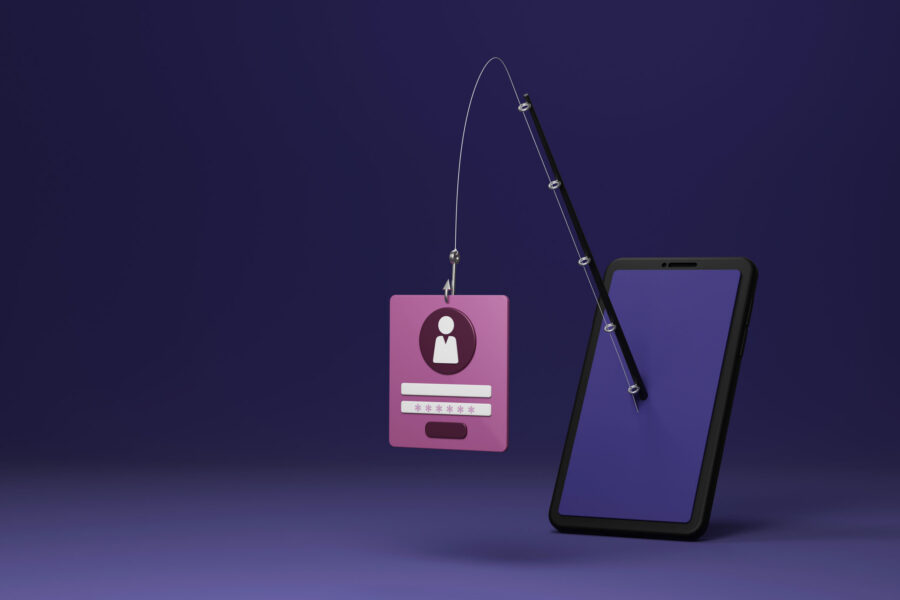
The Nebraska Medicine/UNMC Information Security team wants to make everyone aware of an ongoing social engineering scam targeting organizations through Microsoft Teams voice calls.
Bad actors are impersonating IT support through Microsoft Teams voice calls to attempt to steal credentials, gain access to systems, or trick employees into approving multi-factor authorization (MFA) requests, installing remote access software, or granting access to company systems.
The caller may claim that:
- Your computer has been compromised
- Suspicious activity has been detected on your account
- A security incident requires immediate action
- Software updates or security tools need to be installed
- Your password needs to be reset urgently
Remember, legitimate IT personnel will never ask for your password, MFA code, or request remote access without following established support procedures.
How to protect yourself
If you receive an unexpected Teams call from someone claiming to be technical support:
- Be cautious of urgent or high-pressure requests
- Verify the caller’s identity through a known company contact method before taking any action
- Never provide your password or multifactor authentication codes
- Never approve MFA prompts that you did not initiate
- Do not install software or grant remote access at the request of an unsolicited caller.
If you are unsure whether a request is legitimate, end the call immediately and contact the Help Desk directly at 402.559.7253, or email helpdesk@unmc.edu to report the incident.
If you interacted with the caller, entered credentials, approved an MFA prompt, or installed software, notify the Help Desk and Information Security team immediately.