Access a Student's Bill as a Parent or Guest
The following instructions explain how to access your student's bill through MyRecords. Your student will need to grant parent or guest access for you to login into MyRecords.
- Login to MyRecords using the credentials provided to you by your Student.
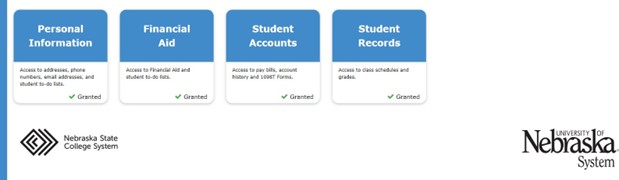
- Select the Student Accounts tile (desktop screen shown below).
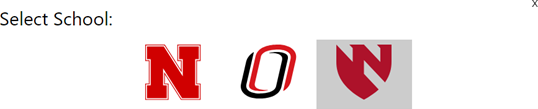
- Under Select School, choose the UNMC icon.
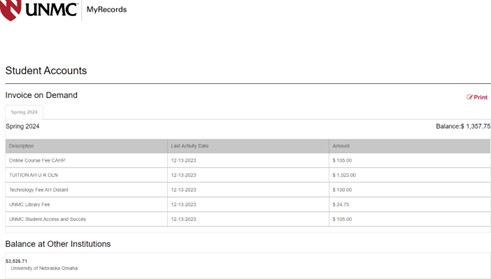
- From the MyRecords dashboard, you can view your current bill by selecting the term and then PrintView Current/Past Bills.
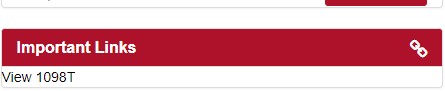
- From the MyRecords dashboard, you can also view the 1098T. Click View 1098T.
In the list of available 1908T forms, choose the form for the desired year.
Then select the school for which you would like to view the bill/Student Account activity.
Step 3: View Current/Past Bills
From the dashboard, you can view your current bill by selecting the term and then “Print”
Step 4: View 1098T
Click View 1098T under Important Links.
From here you can use the drop down for the year desired to view details or the form: